Esri ArcGIS Pro Add-in
Acquire the remote sensing data you need directly from ArcGIS Pro
Instantly connect your ArcGIS Pro account with UP42's platform.
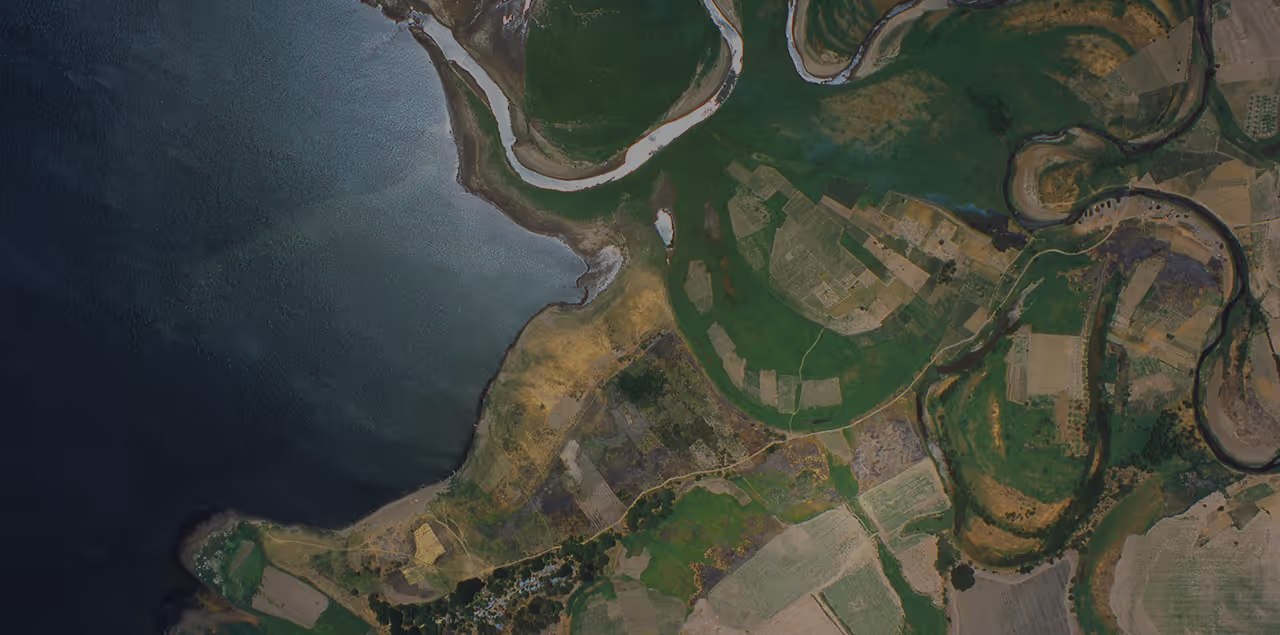
Easy data discovery and ordering
Open UP42 catalog within ArcGIS Pro, draw the AOI that you are looking for, search for imagery based on your needs, place an order and access it from storage. All within a single solution.

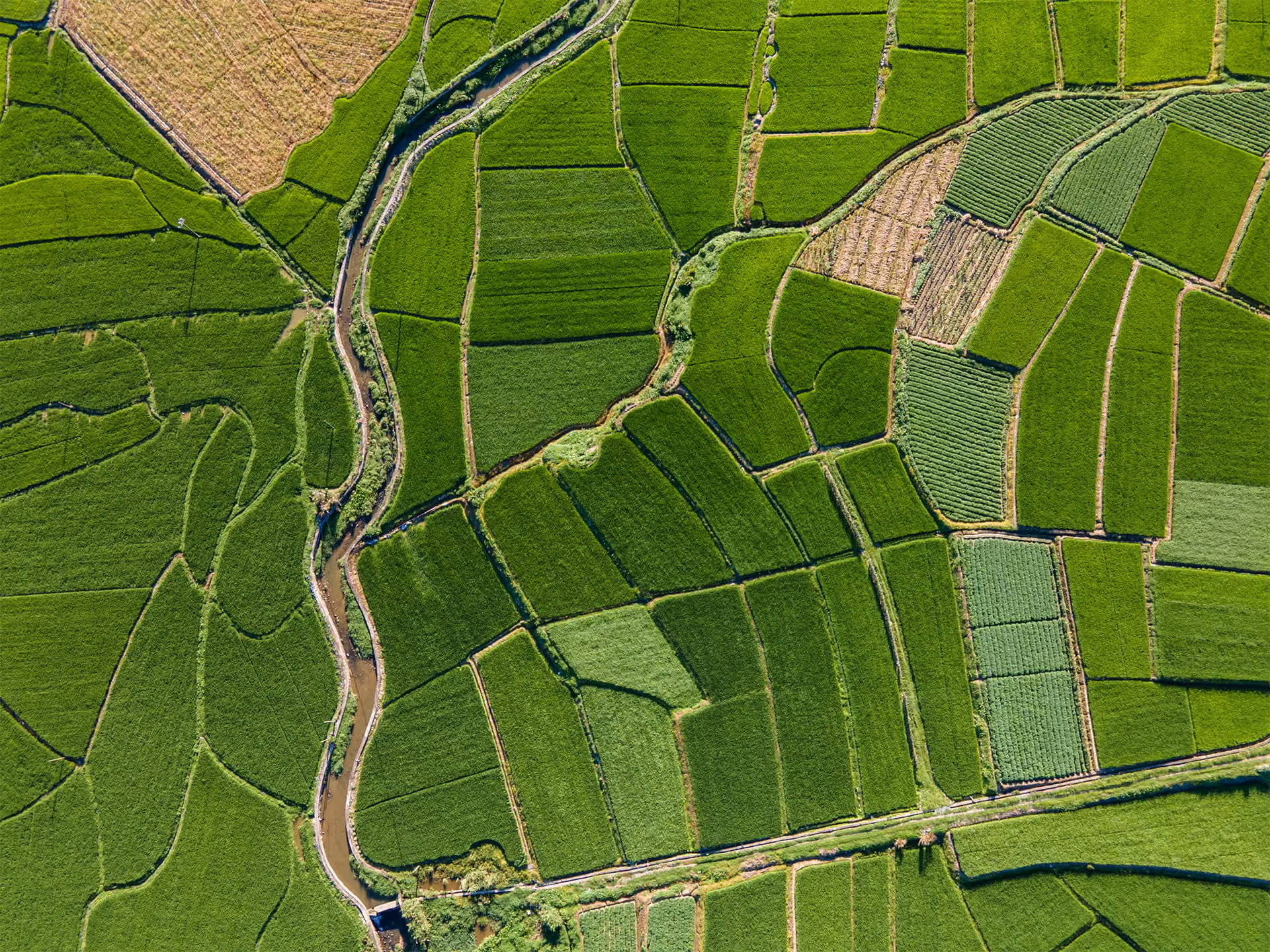
Image previews simplify large orders
Looking for archive imagery covering a large area? Use image previews feature to create a mosaic of the available imagery to fill the area you are looking for, without placing orders.

Data sharing across your organization
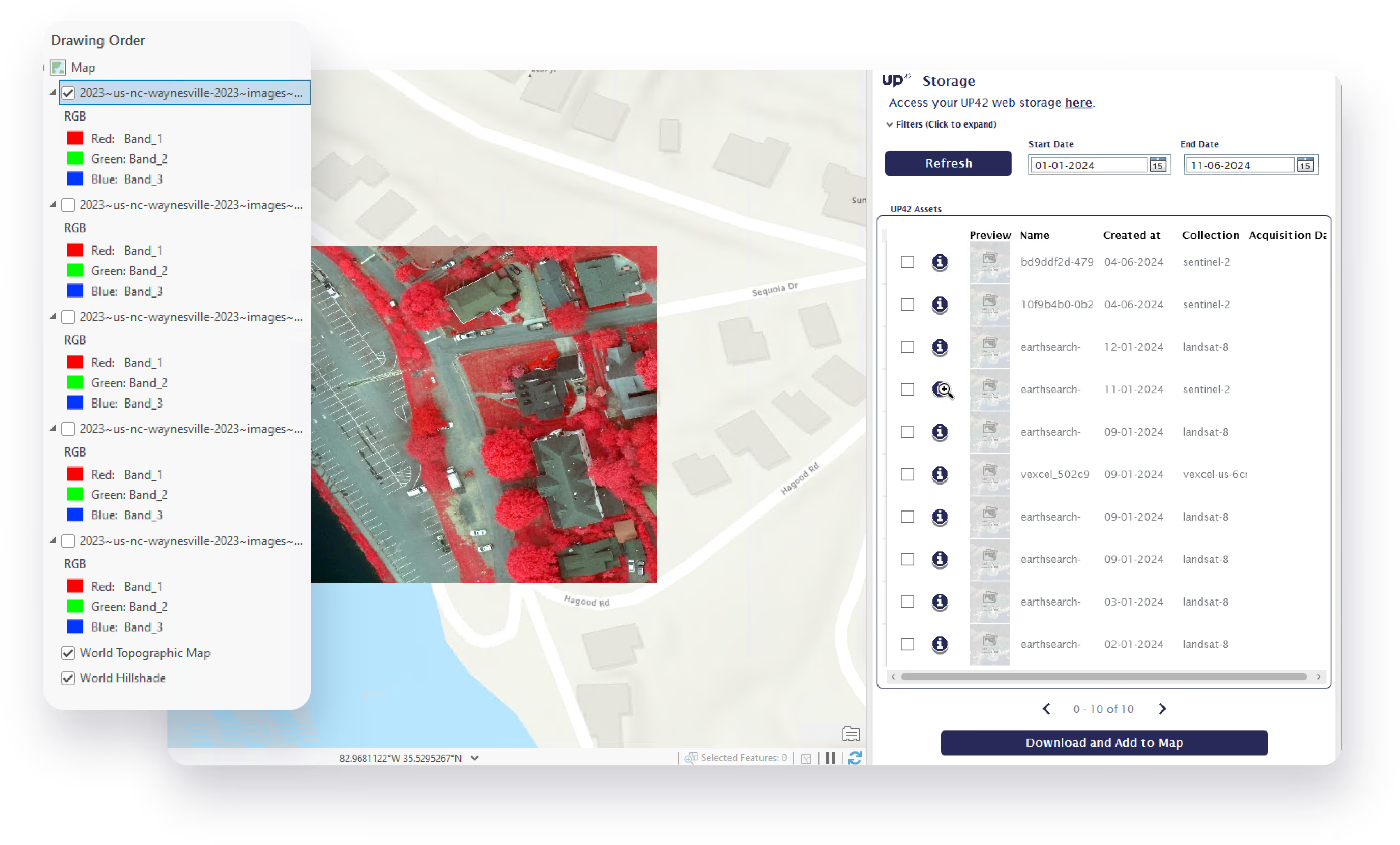
The downloaded imagery can be immediately added to your existing basemaps. Once you analyze this asset based on your requirements, you can share it across your organization using ArcGIS Online.
Get started
Install the add-in
- Fill out the form below and click Submit
- To start the installation, go to the downloaded files and double-click the
.esriAddInXfile for your ArcGIS Pro version. - Restart ArcGIS Pro after installation.
Connect to UP42
- Before you start, connect ArcGIS with UP42.
- Open ArcGIS.
- On the top navigation menu, select the UP42 tab.
- Click Connect and enter your UP42 login credentials.
Requirements
For more information on how to search for images or order data, visit our documentation.
Got a question?