Customizable tasking templates, easier order tracking, Vexcel discrete imagery, and more

The first month of Q4 is nearly over, and we've been hard at work. Here's a summary of the latest things we've shipped at UP42. Read on, or click the button below to see them in action.
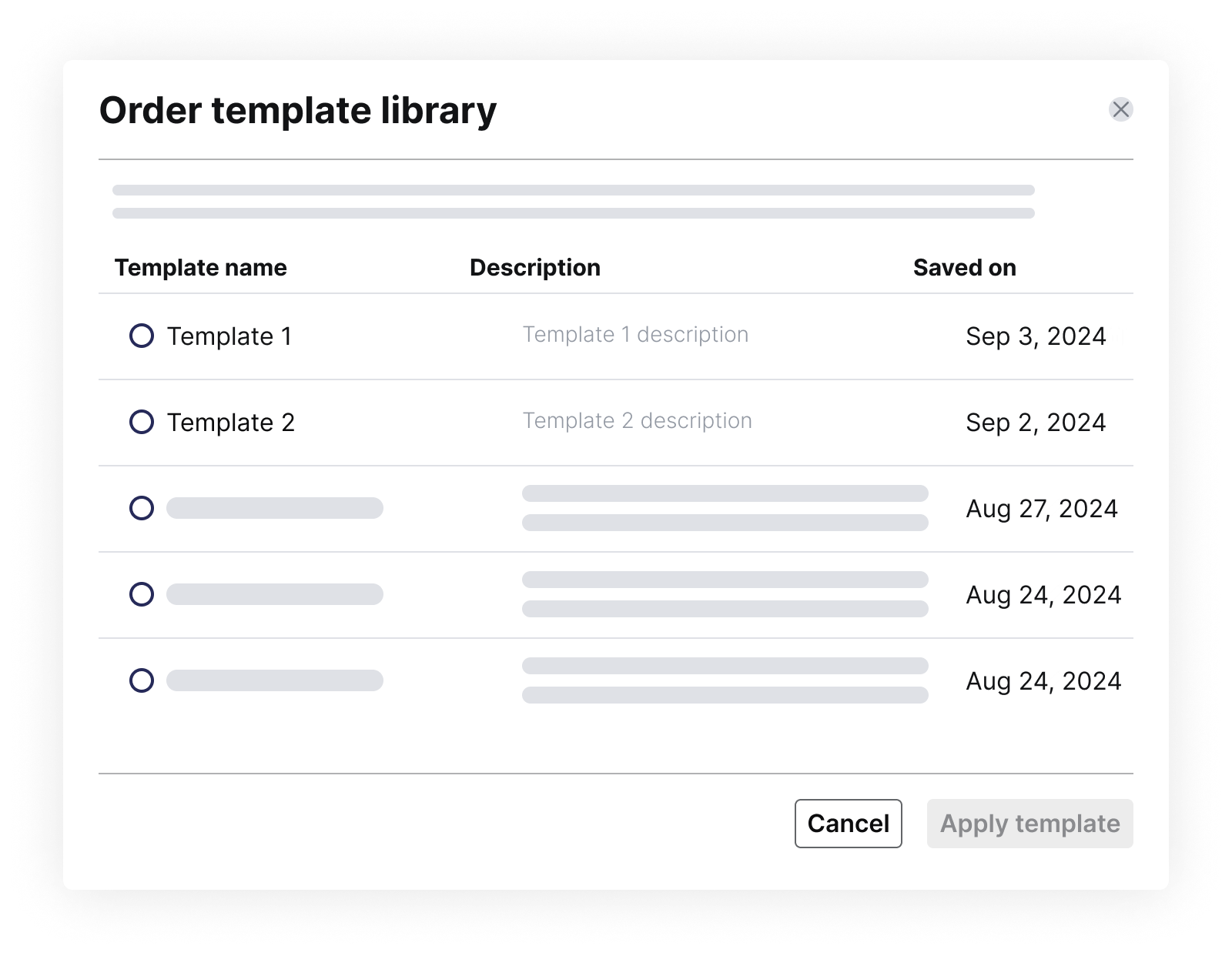
Improve collaboration with customizable tasking templates
If you use the same consistent parameters when tasking a satellite for your projects, this feature is for you. You can now save your order parameters and reuse them in the future. Customize, name, edit, and associate your template with a specific collection. Saved parameters are accessible to your team members, saving time and boosting project efficiency.
Easily visualize the progress of multi-AOI tasking orders
Lots of our customers place complex tasking orders with multiple AOIs. As the order deliveries start coming in, you can now get a clear visual representation of the order's progress. Just click "View all" under a tasking order to be instantly redirected to the specific order, where you can visualize the images and access all relevant details.
Explore new use cases with Vexcel's aerial imagery
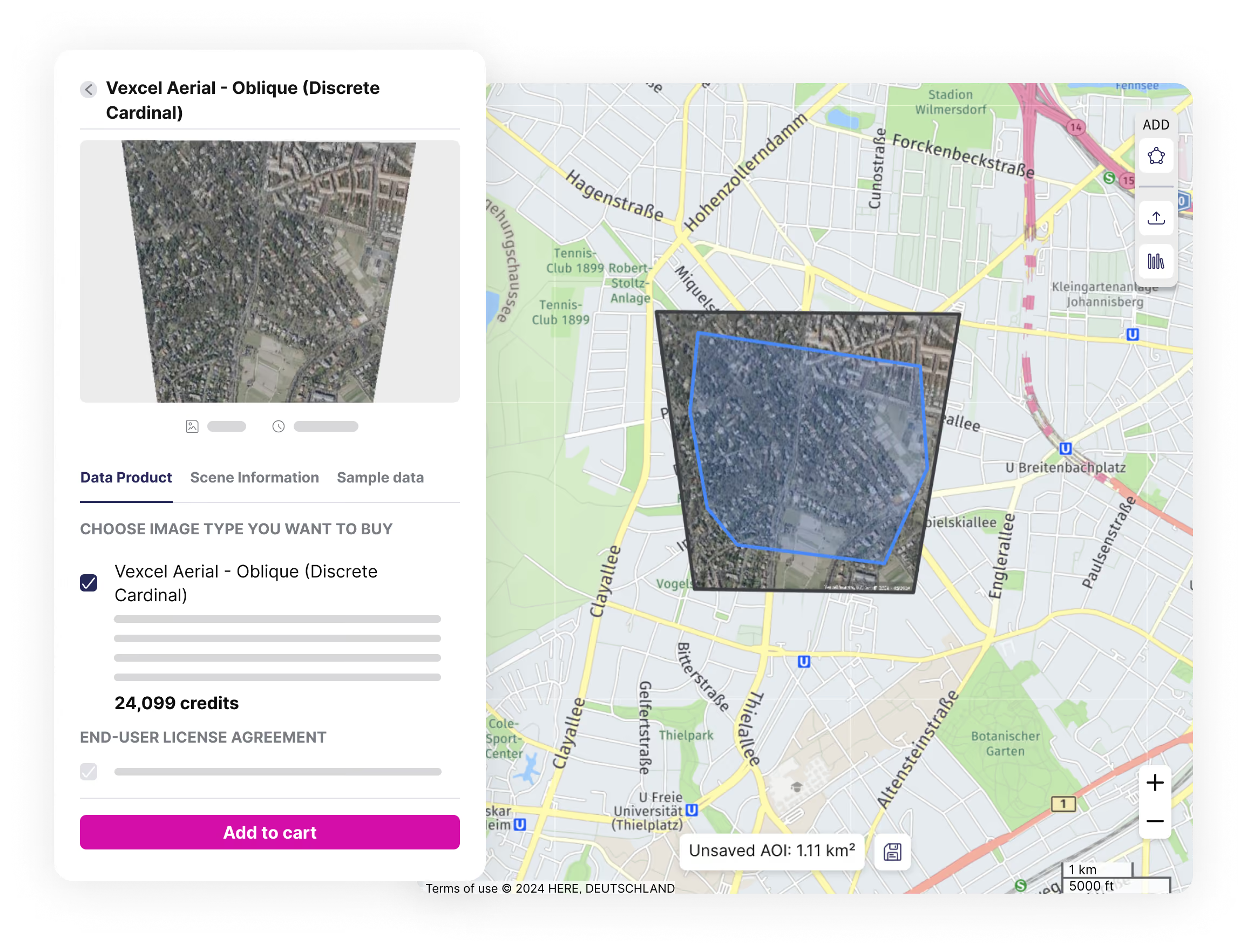
In addition to Vexcel’s existing portfolio of very high resolution Oblique, Ortho, TrueOrtho aerial data, and elevation products, we've now integrated their discrete RGB imagery. Captured in the visible RGB spectrum, discrete imagery is minimally processed, closer to the raw data, and enriched with a more comprehensive set of metadata. This provides you with more flexibility when processing the imagery for your specific use case.
Vexcel's discrete imagery is also readily available for emergency response, as demonstrated by the availability of imagery after Hurricane Milton. Furthermore, additional metadata and image previews are now available across all Vexcel products, enabling more advanced applications like 3D reconstruction.
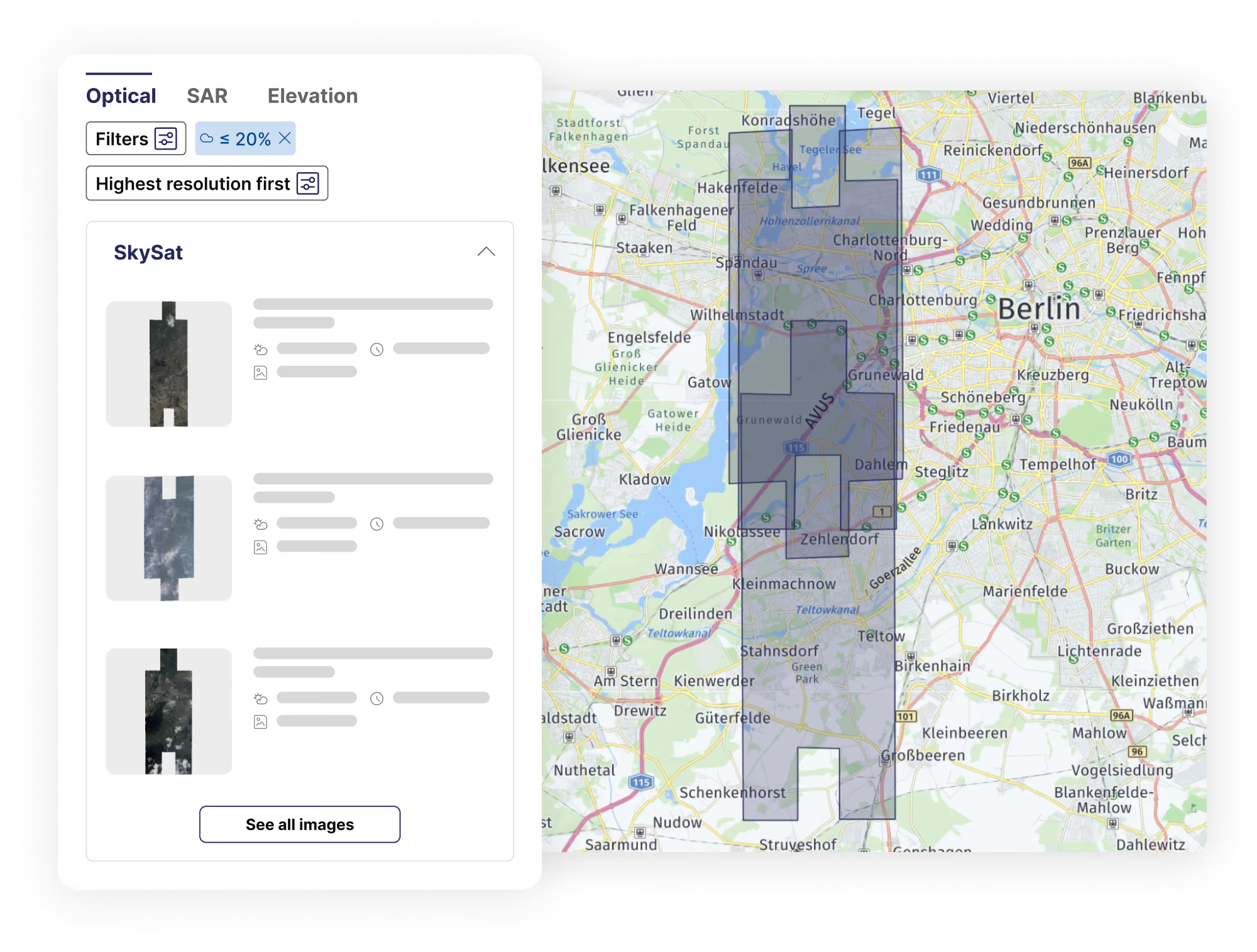
Preview multiple footprints simultaneously in the catalog
Easily explore all available scenes for your AOI when searching for archive imagery from a specific provider. View multiple scene footprints at a glance on the map, streamlining your search and selection process.
Save time when searching for data on the map
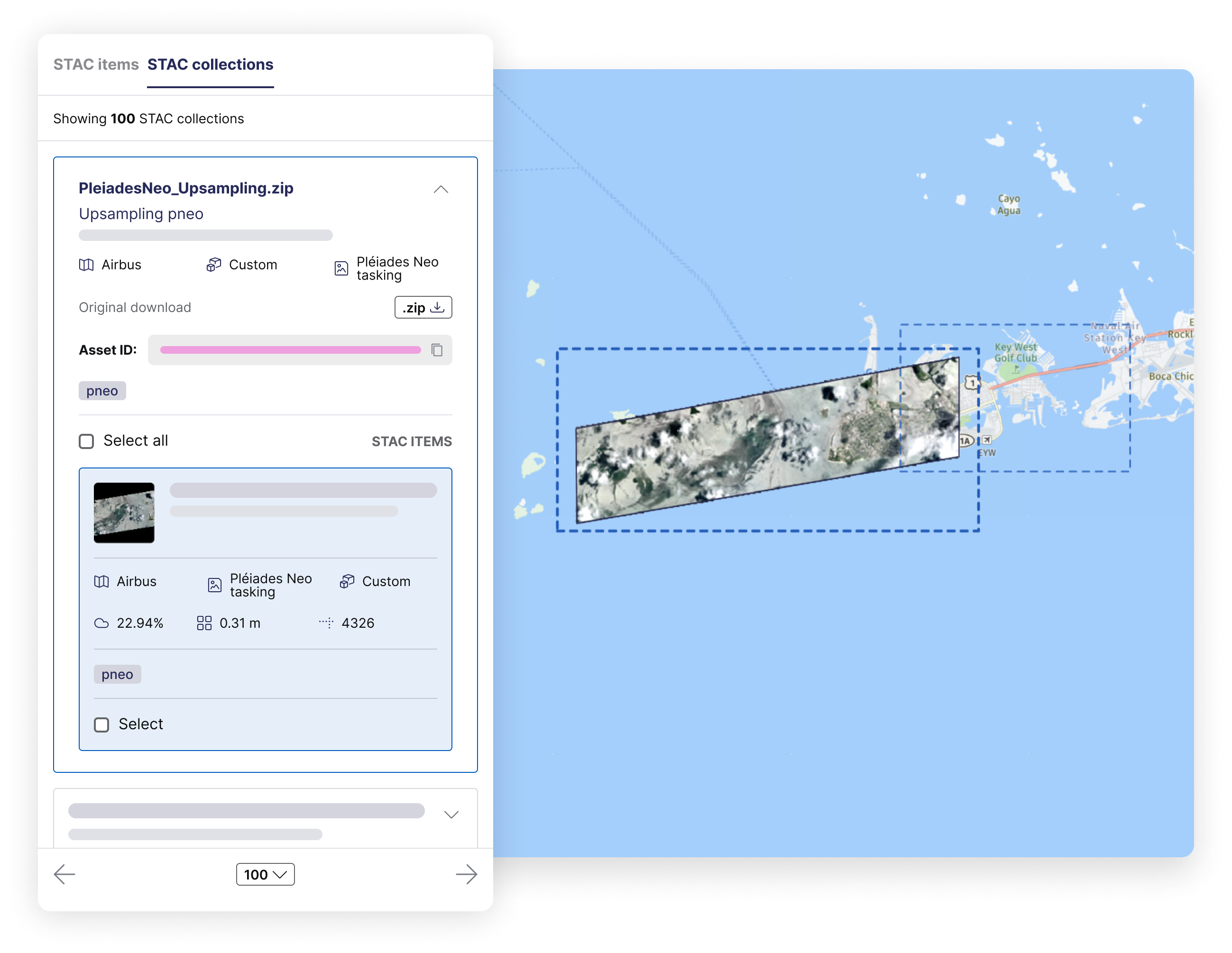
- View STAC collections: view STAC collections in data management alongside individual STAC items, making it easier to group, quickly locate, preview, and download related items (e.g., stereo pairs).
- Search multiple areas: upload multi-polygon files directly to the map view in data management, and we'll display STAC items that intersect with your uploaded AOIs. Additionally, if you’ve previously saved multi-polygon geometries in your library, you can instantly load them without needing to upload them again.
- Search by asset ID: in addition to existing search options, you can now easily look up your STAC-compatible asset IDs directly on the map for more precise data retrieval.
Other updates
Improve visibility into your transaction history by querying your previous credit balance to see how many credits you had at a given time in the past—especially helpful with end-of-month closing.
Last but not least, we released SDK 2.1.0. If you are still using an older version (1.1.1 or earlier), please plan your migration by November 1, as older versions will be discontinued. You can find the release notes and migration guide here.
Thank you for reading!


Subscribe to our newsletter
Stay up to date and learn about our fast-growing new features